Creating Interactable Objects
[!SUMMARY] This page explains how to:
- Use existing interactable prefabs to speed up development
- Configure different scripts to modify behavior of interactable objects
Interaction is everything!
One of the most important things in VR is touching and interacting with objects. In Unity, the common way of approaching this is using Unity's XR Interaction Toolkit (XRI). Anywhere Academy uses this library and wraps it with some logic to ease synchronizing interaction behavior. Anywhere Academy offers several prefabs that can be used and configured. They are located at
Assets/Core/Prefabs/Interaction
Grabbable Objects
Anywhere Academy uses the XR Grab Interactable component of the XRI toolkit. For more details about this component, check Unity's documentation. Anywhere Academy adds a simple ownership management to avoid unpleasant grab interactions, that grants ownership to a grabbing client if the object is currently not held by anyone else.
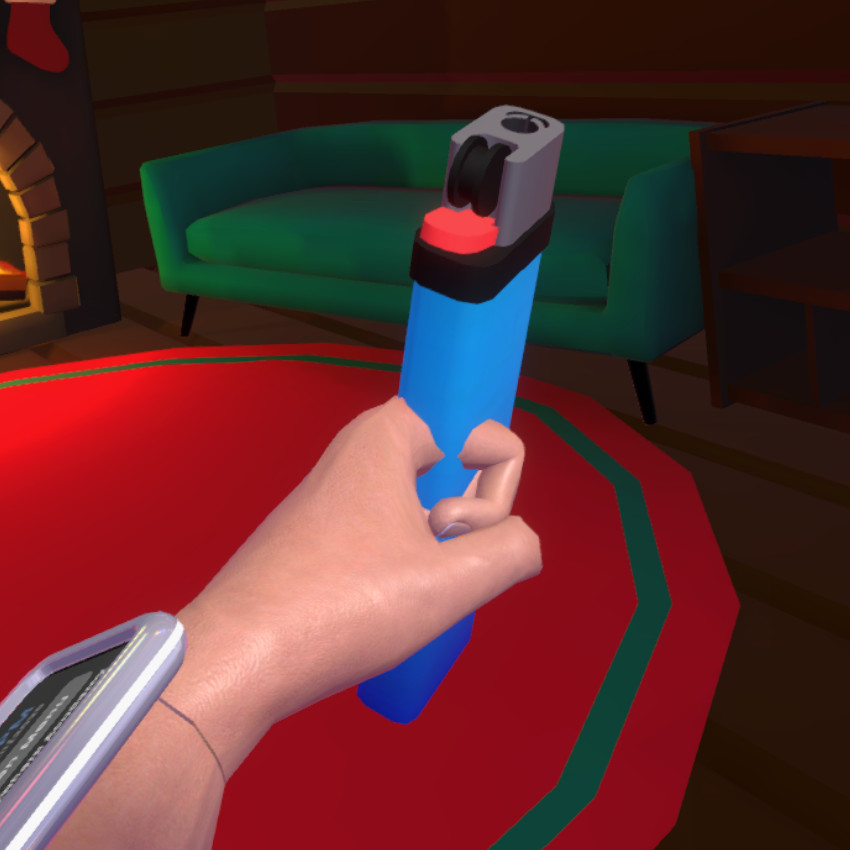 |
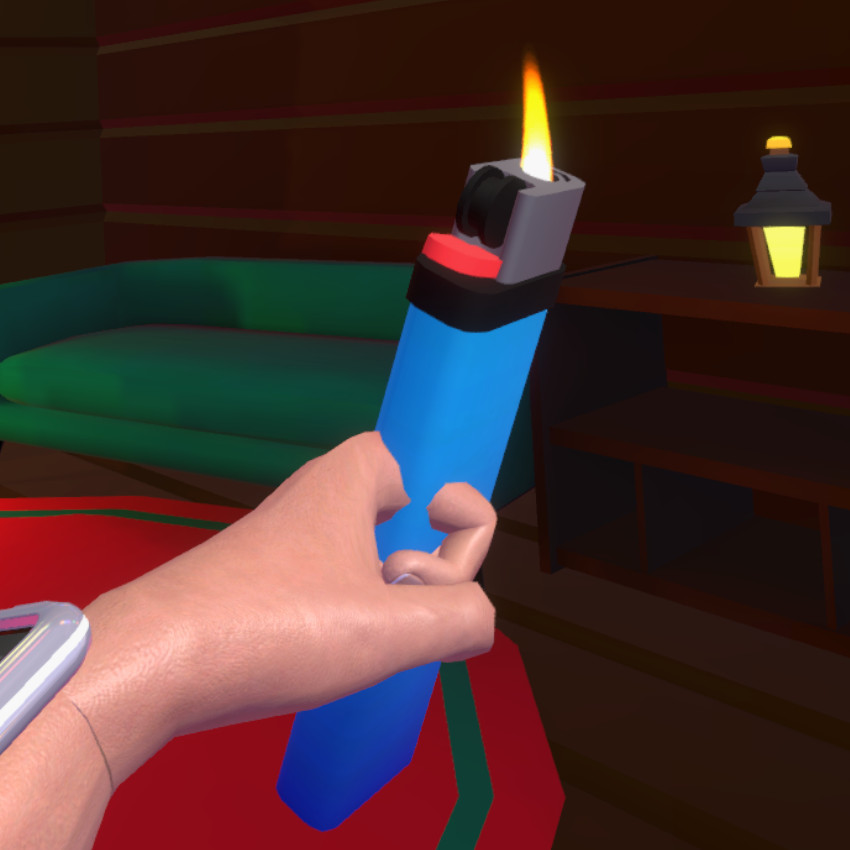 |
| Example interaction: A lighter can be turned on with the activate action. | |
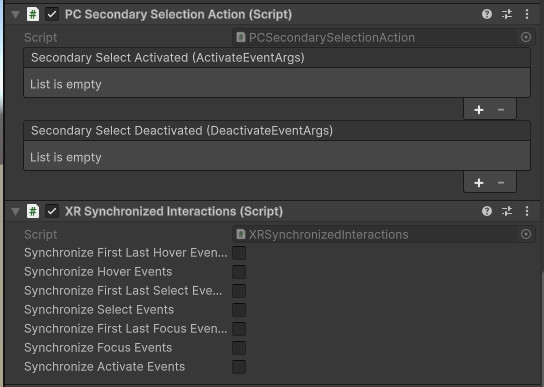
Some VR interactions are performed by embodied actions, e.g., eating a cookie by putting it into ones mouth. To allow PC users to perform an equivalent action despite lacking embodied controls, there is a Secondary Selection Action which can be performed with right click. To set this up, use the PCSecondarySelectionAction component.
To keep the interaction behavior synchronized for all clients, use the XRSynchronizedInteractions component.
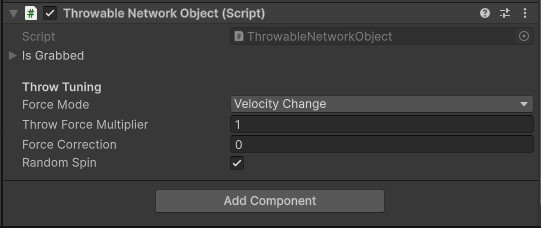
Grabbed objects can be thrown. This behavior is modeled by the component ThrowableNetworkObject.
Object Spawning
Spawning objects on runtime can be useful when it is not foreseeable how many objects of a type are needed in a scene. To allow this, Anywhere Academy provides the prefab
Assets/Core/Prefabs/Interaction/Grabbable Objects/Grabbable Networked Object Spawner.prefab
This can be used together with an instance of the prefab
Assets/Core/Prefabs/Interaction/Grabbable Objects/XR Spawnable Grabbable Object (Networked).prefab
To limit the number of spawned items at a time, we implemented so called inactivity trackers that mark objects inactive that are not used. These can be implemented with custom logic. To do so, implement the IInactivityTracker interface. For instance, the tracker below marks an object inactive after a specified number of seconds without it being held by any player.
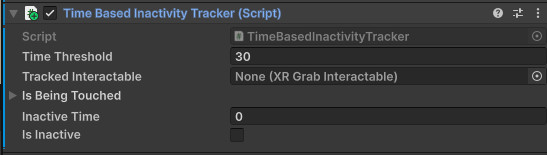
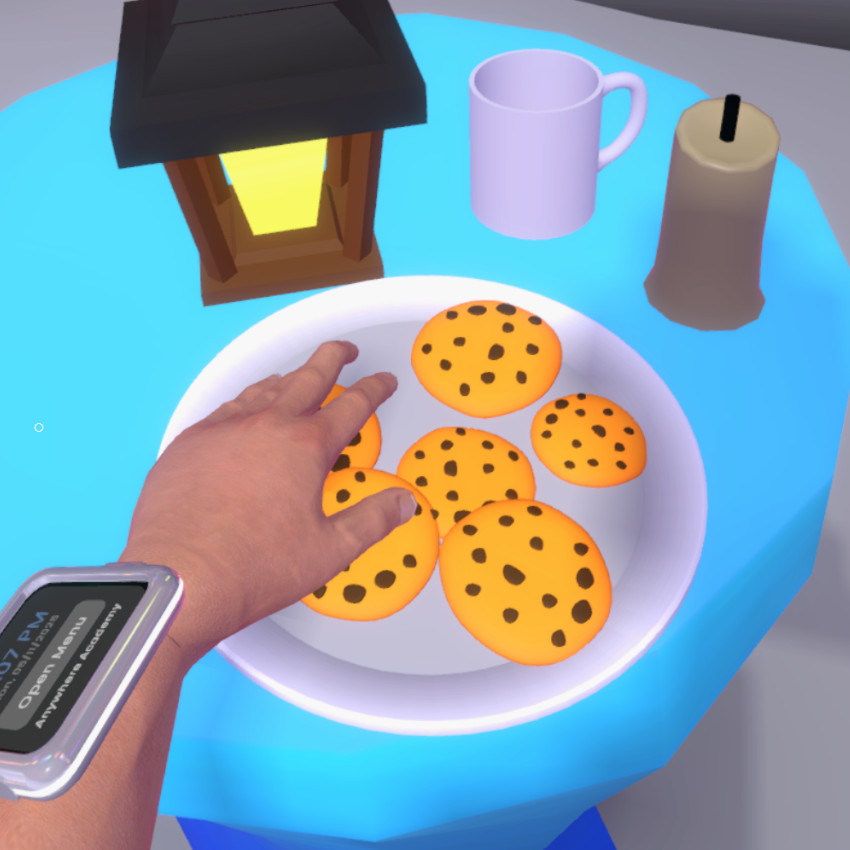
Inactive items will be despawned by their respective spawner object. The example below illustrates a use case for objects spawners, a plate with cookies.
 |
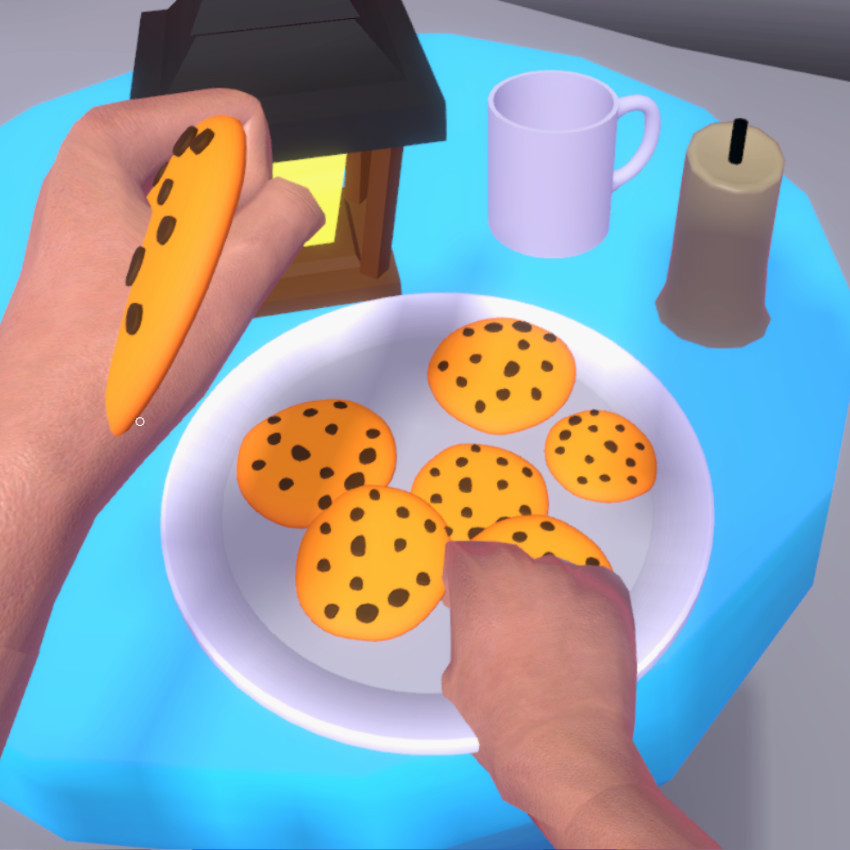 |
| Example: A cookie plate that is implemented with an object spawner. | |
Socket Interactors
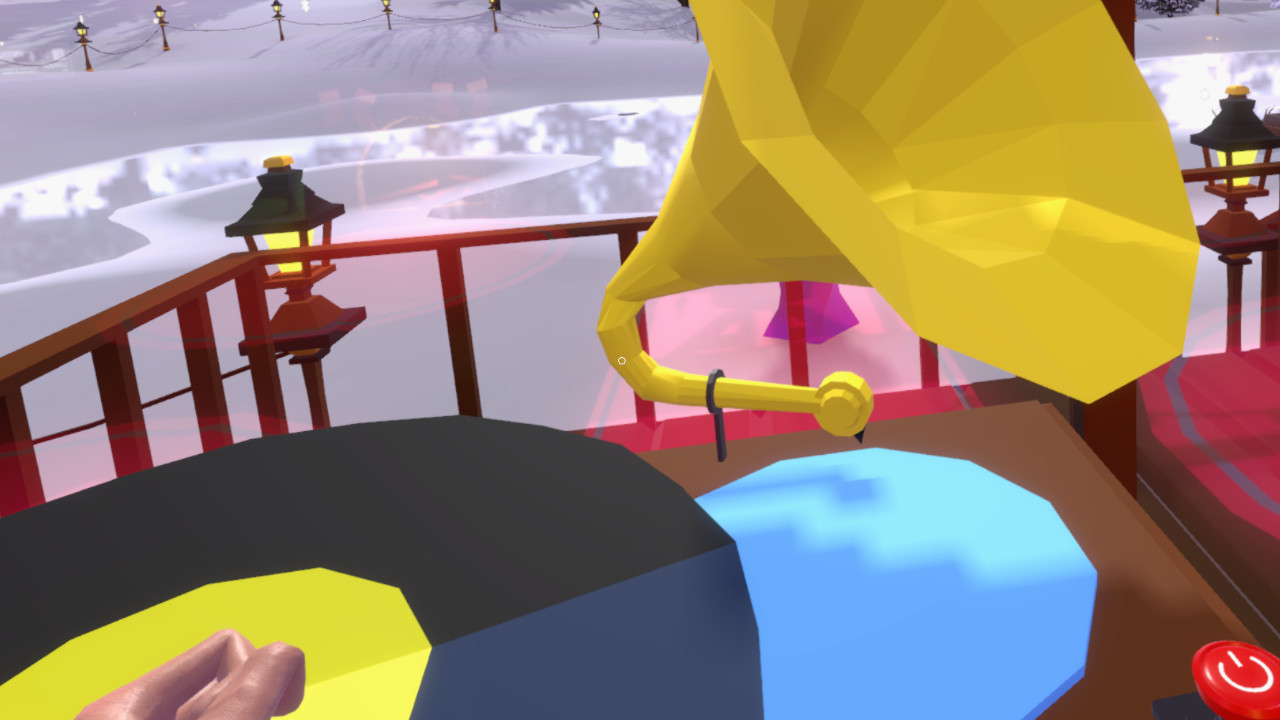
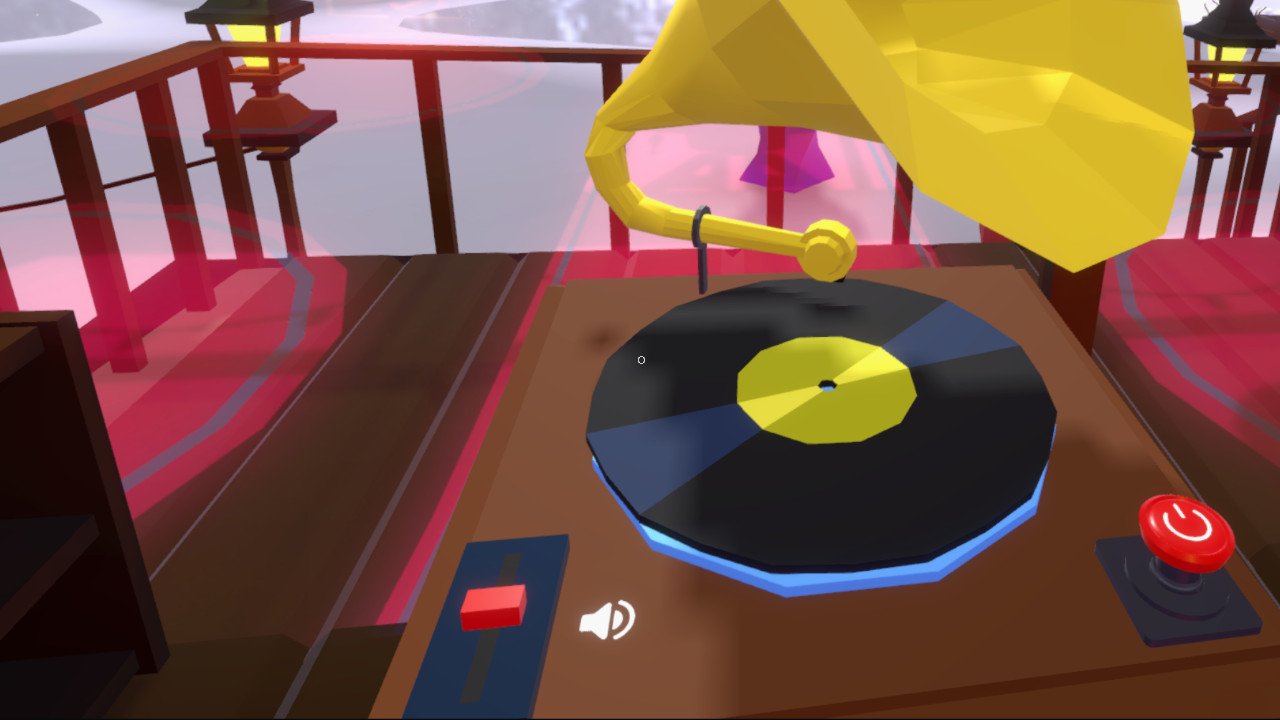
Socket interactors can be useful when an item should be inserted somewhere, i.e. a missing part of a machine, a vinyl on a record player or similar.
 |
 |
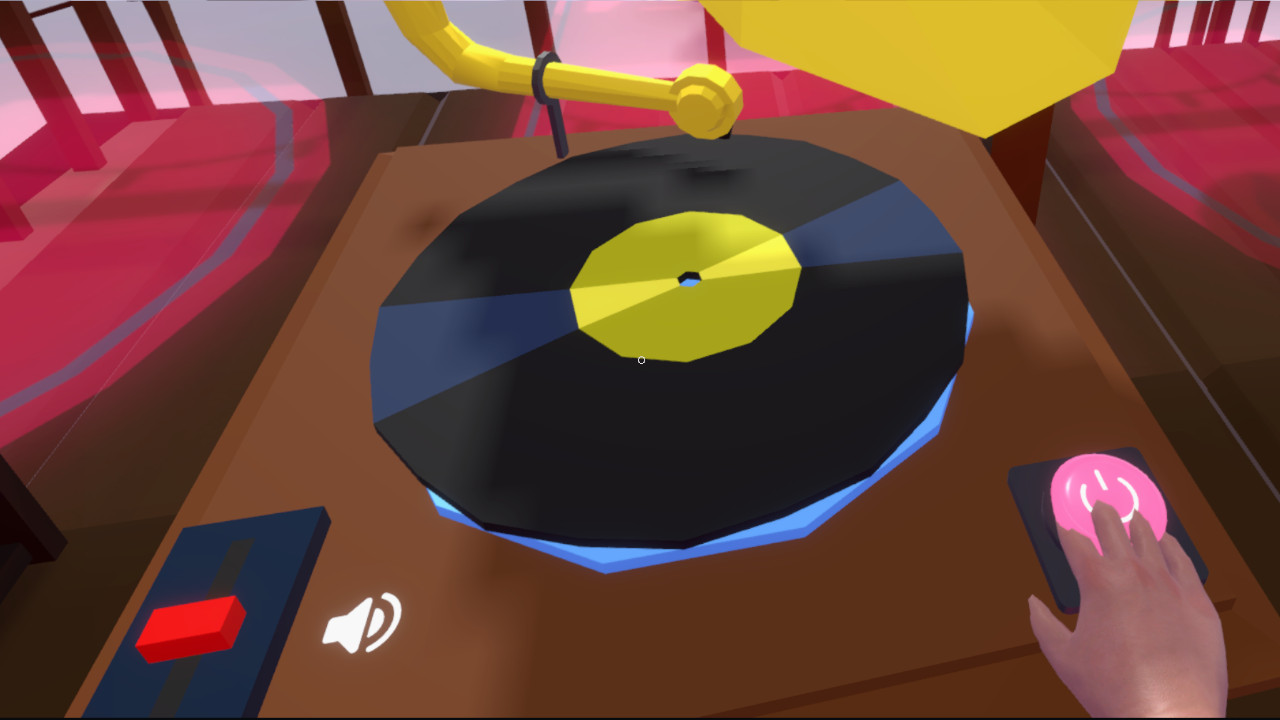 |
| Example: A record player that plays back music on all clients when a vinyl is inserted. | ||
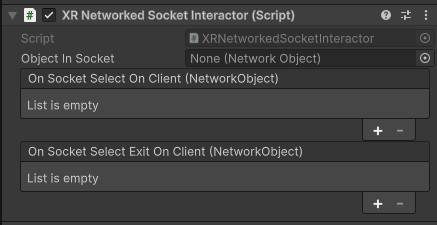
A prefab for a synchronized version of the XR Socket Interactor can be found at Assets/Core/Prefabs/Interaction/XR Socket Interactor (Networked).prefab. To keep this behavior in sync across multiple clients, Anywhere Academy disables the sockets on client side and lets the server handle the interaction. The interactor events are only called on the server. To trigger events on client side via RPC calls, use the XRNetworkedSocketInteractor component.
Simple Interactables
Simple Interactables are a versatile way of including various kinds of interaction in your scenes. They can be hovered and activated by any kind of suitable interactor.
For example, Anywhere Academy uses them as base for its object spawners (see above for more detail). A prefab is located at Assets/Core/Prefabs/Interaction/XR Simple Interactable (Networked).prefab. It can be synchronized in analogues fashion to the XR Grab Interactable.